SQL console
Run scripts with autocompletion, preview writes before they happen, and read query plans as a tree.
The SQL console runs a script of one or more statements, separated by ;, in order on one
session. Scripts that write ask for confirmation first, and a running script can be cancelled.
Each user has their own history and saved queries.
The editor sits above the results; drag the separator between them (or focus it and use the
arrow keys) to give either more room. Results appear in the same grid as tables: move with the
keyboard, copy rows as TSV, JSON or INSERT statements, resize columns and sort by clicking a
header (sorting happens in the browser, on the rows returned). The row limit next to Run sets
how many rows a statement returns: 200, 1,000 or 5,000.
A MySQL-style DELIMITER line lets you create procedures and triggers whose bodies contain ;.
Autocompletion
The editor completes keywords and the database's real tables and columns (on PostgreSQL, qualified by schema), with each column's type alongside. It completes what the data login can see.
Preview before writing
Preview dry-runs a script that writes. It runs the whole script in one transaction that is always rolled back, and shows:
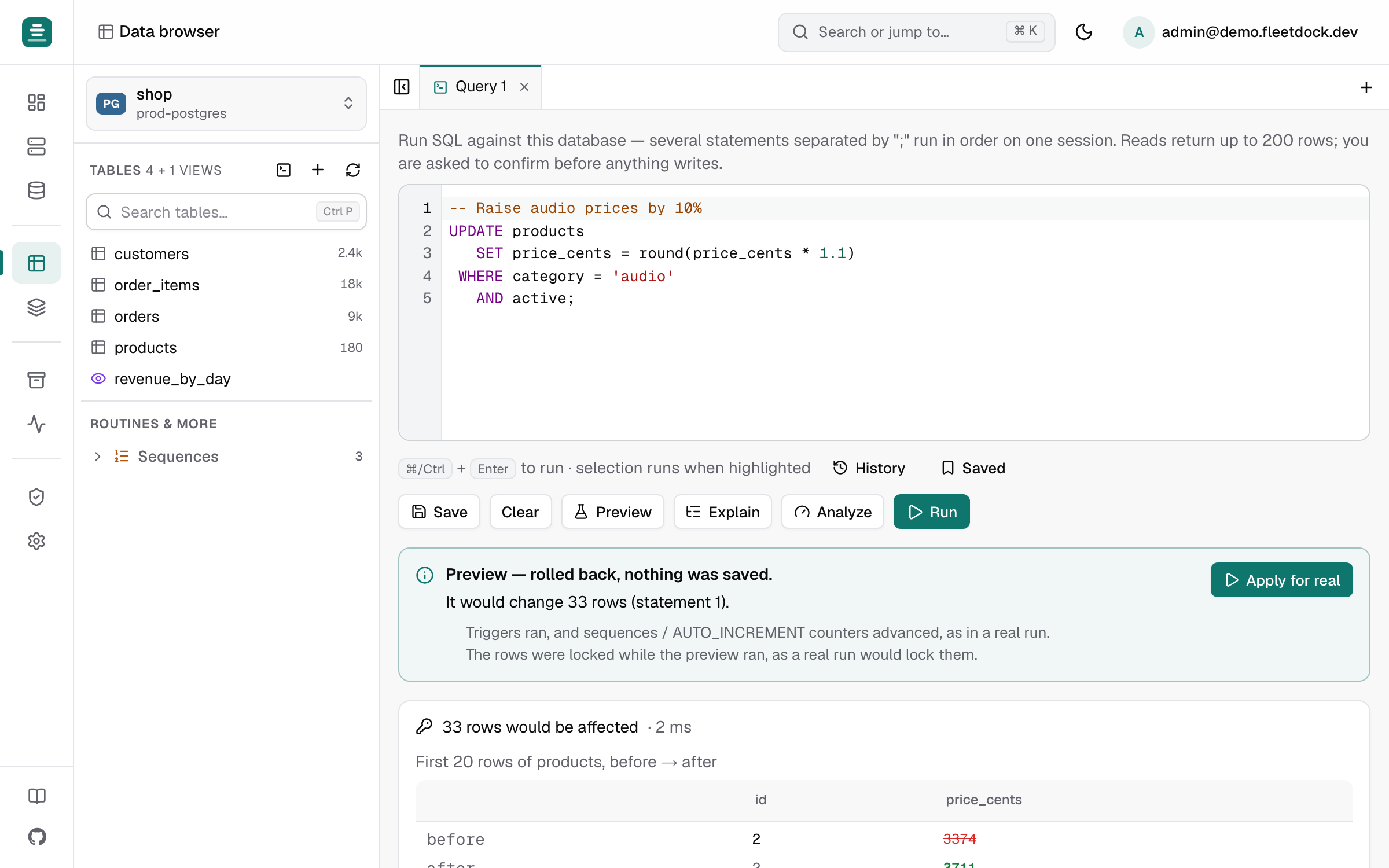
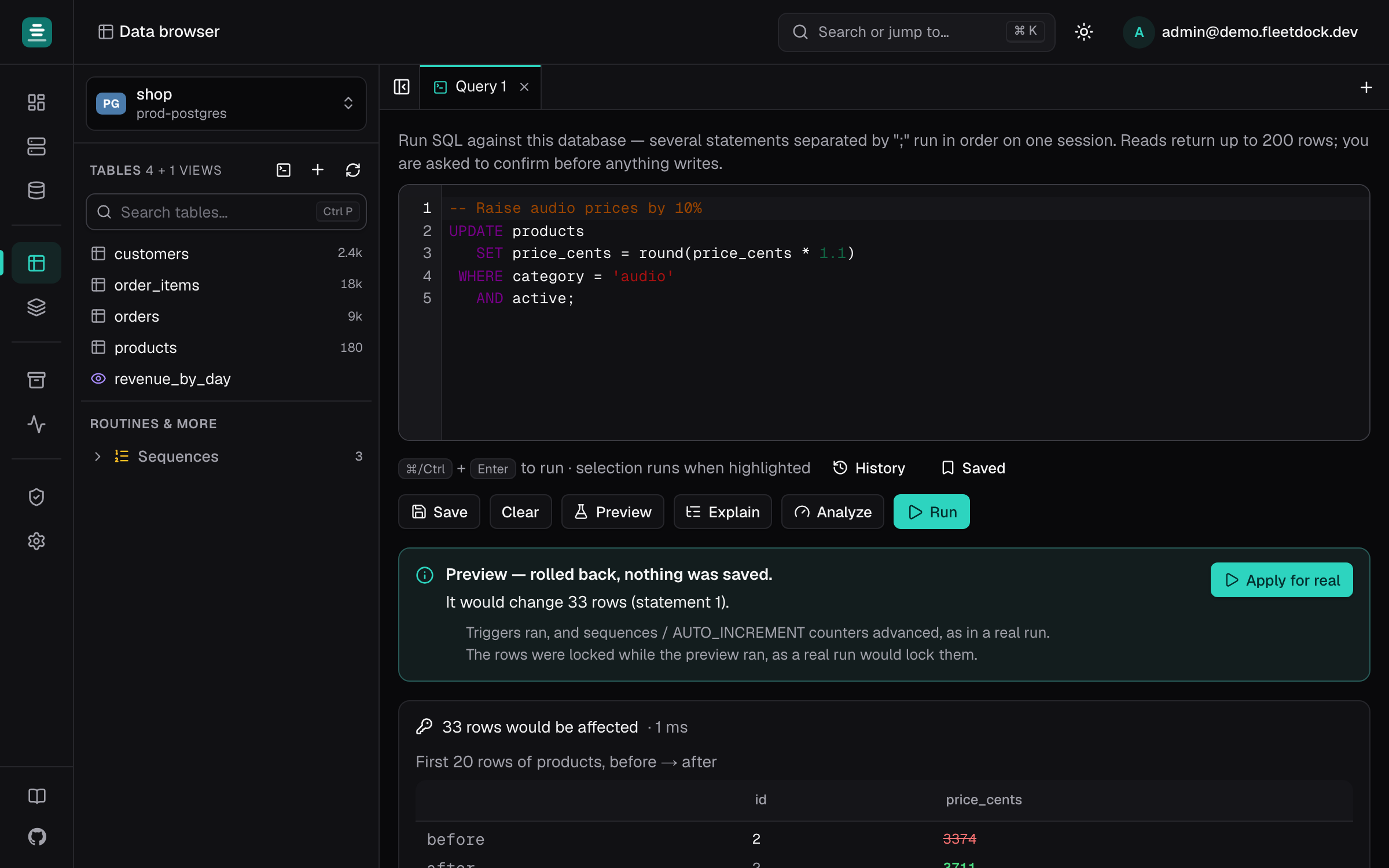
- how many rows each statement would change;
- for a single-table
UPDATEorDELETE, up to 20 of the affected rows before and after, with changed cells highlighted.
Then Apply for real runs the script with the usual confirmation, quoting the preview's numbers.
A preview really executes the statements, then rolls them back. Triggers fire, sequence and
AUTO_INCREMENT counters advance, and the affected rows are locked while it runs. Only
SELECT, INSERT, UPDATE, DELETE, REPLACE and MERGE can be previewed: no DDL,
transaction control, SET or CALL. On MySQL and MariaDB, a database with MyISAM, Aria or
MEMORY tables cannot be previewed, because those changes cannot be rolled back.
Explain and Analyze
- Explain shows how the database would run one statement, as a collapsible tree. Each node shows its estimated rows and cost, with bars that show where the cost is. Nothing runs.
- Analyze runs the statement (reads only) in a read-only transaction that is rolled back, and adds the actual rows and time per step.
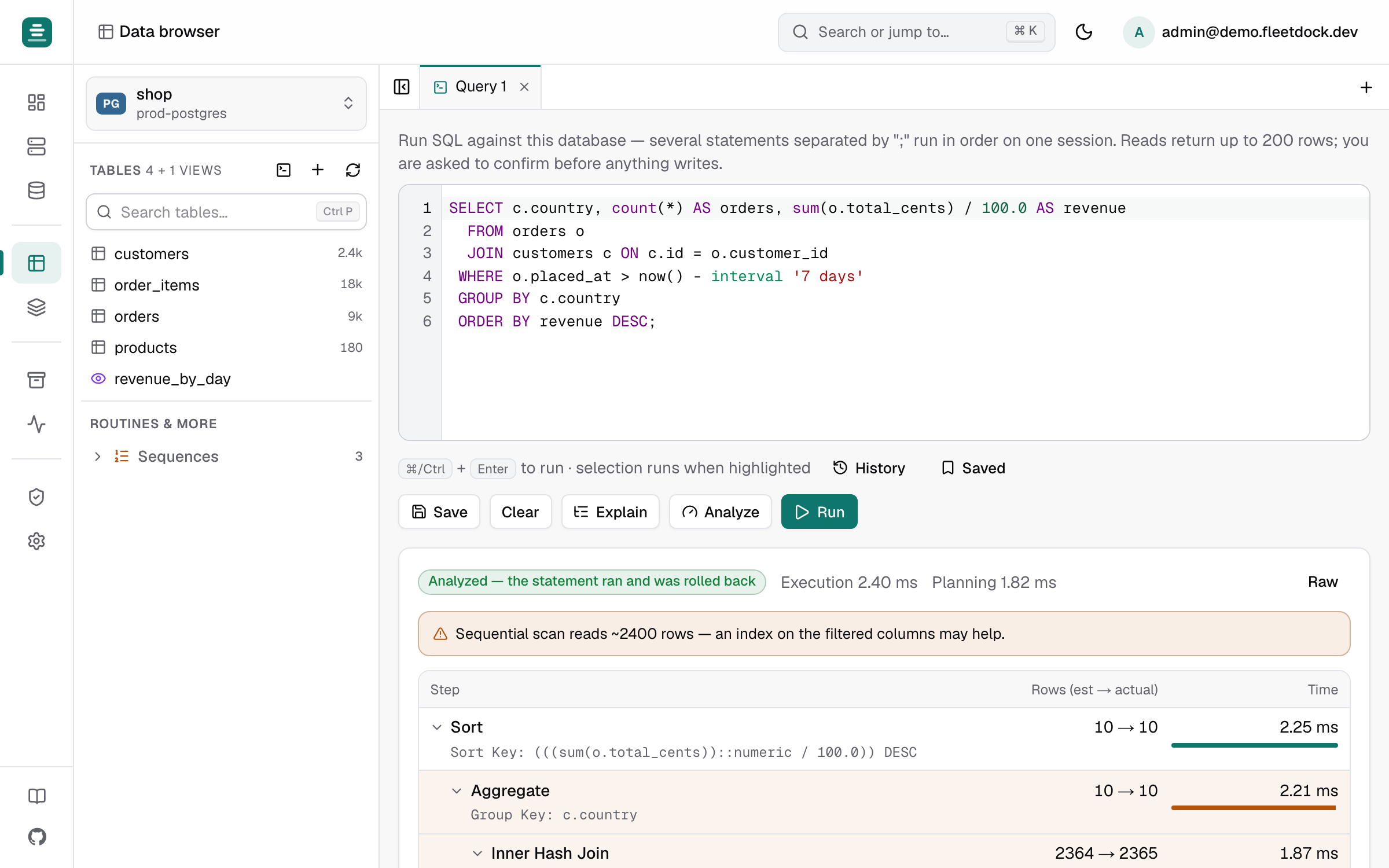
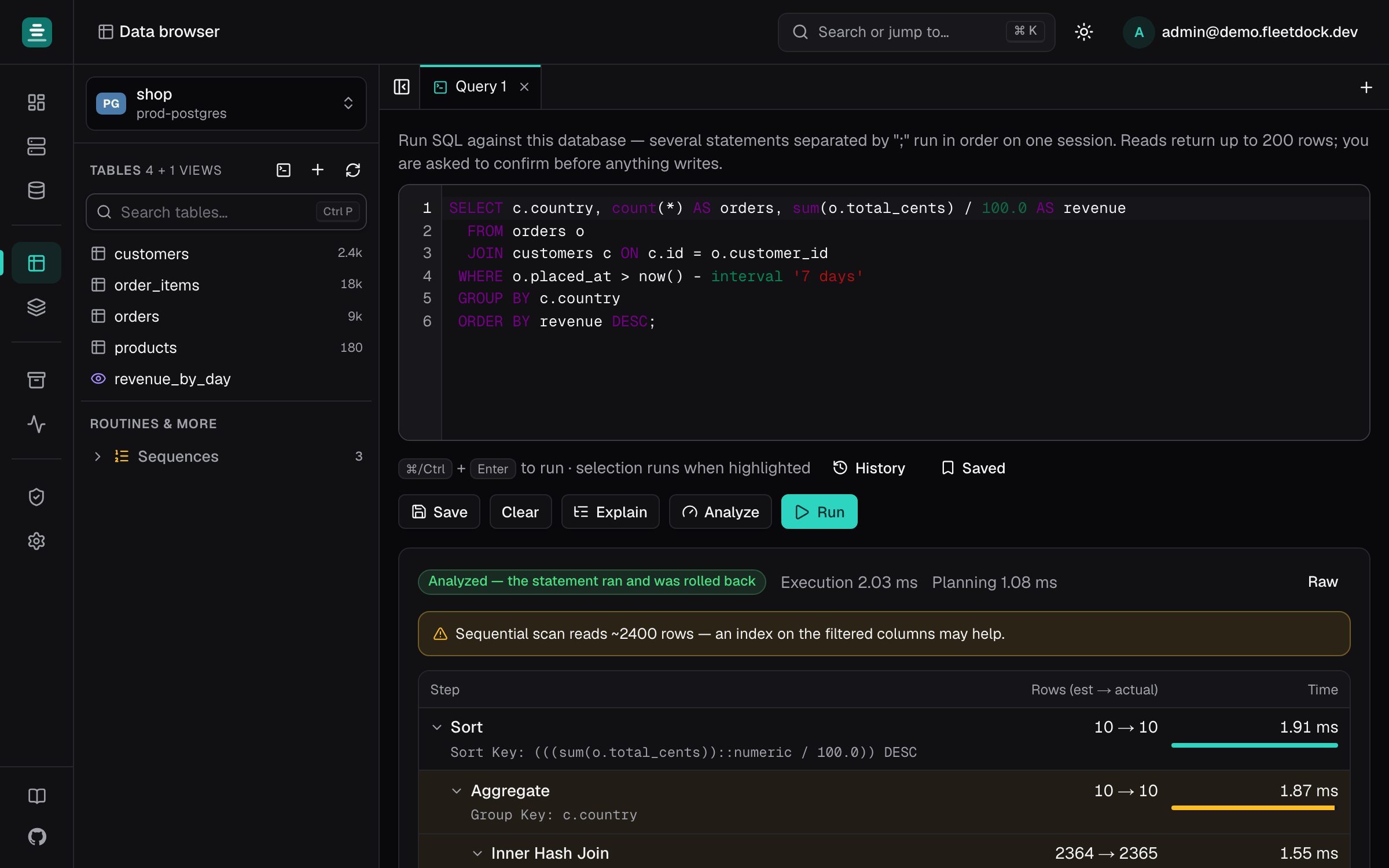
Fleetdock flags the usual suspects: full scans of large tables, Using filesort /
Using temporary, and row estimates off by 10× or more (stale statistics). Raw shows the
engine's JSON plan.
See also Performance.