How to manage many MySQL and MariaDB servers from one dashboard
Manage multiple MySQL and MariaDB servers from one self-hosted dashboard: connect each server, see every database, schedule backups and query them all at once.
To manage multiple MySQL and MariaDB servers from one place, install Fleetdock on one Linux host and connect each database server to it, either through the Fleetdock agent or directly with a host, port and admin login. Fleetdock then finds the databases on every server it can log in to and gives you one list, one backup system, a data browser, a SQL console and queries that run across all of them. It runs on your own infrastructure and does not replace replication or failover.
What does "one dashboard" cover?
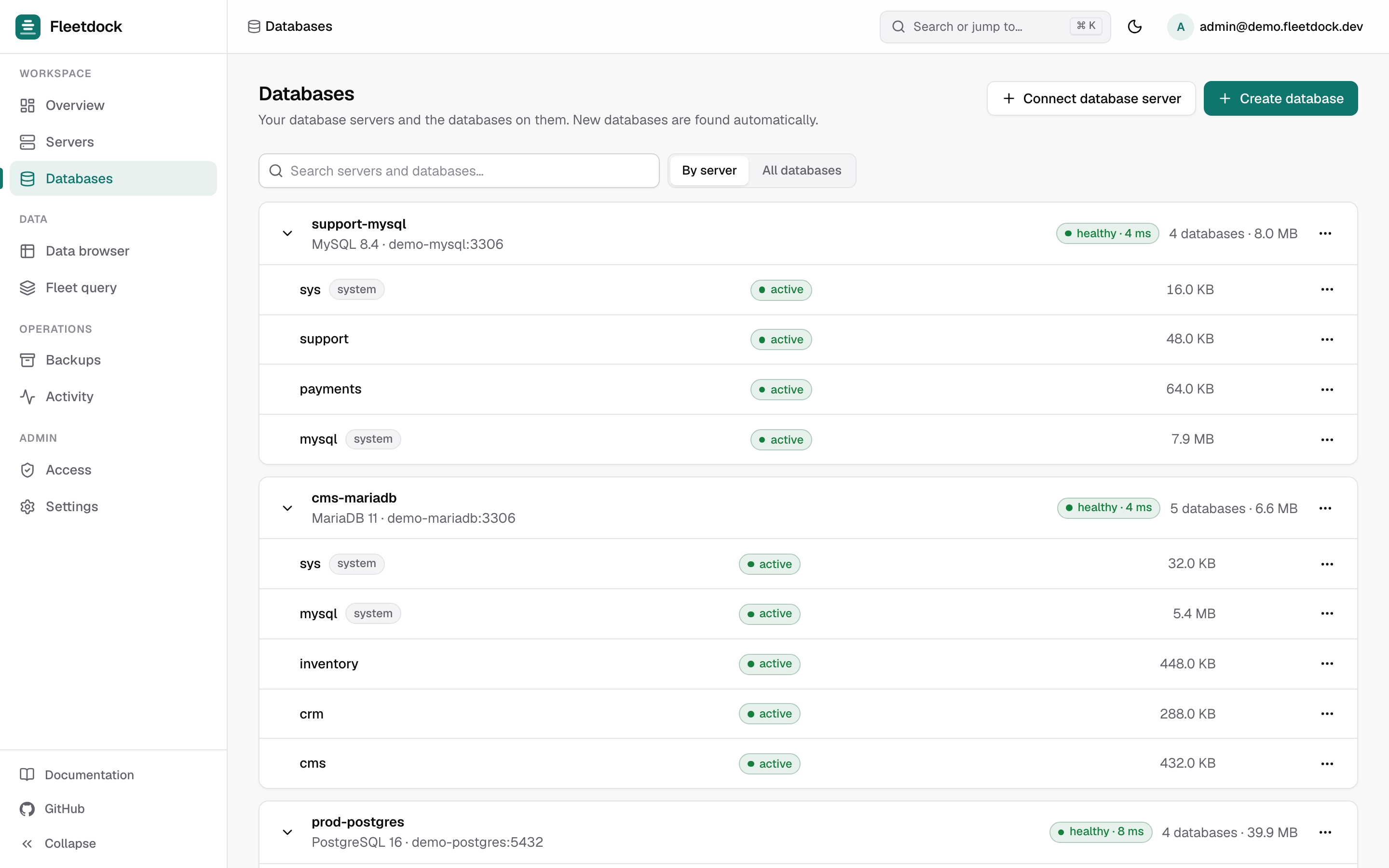
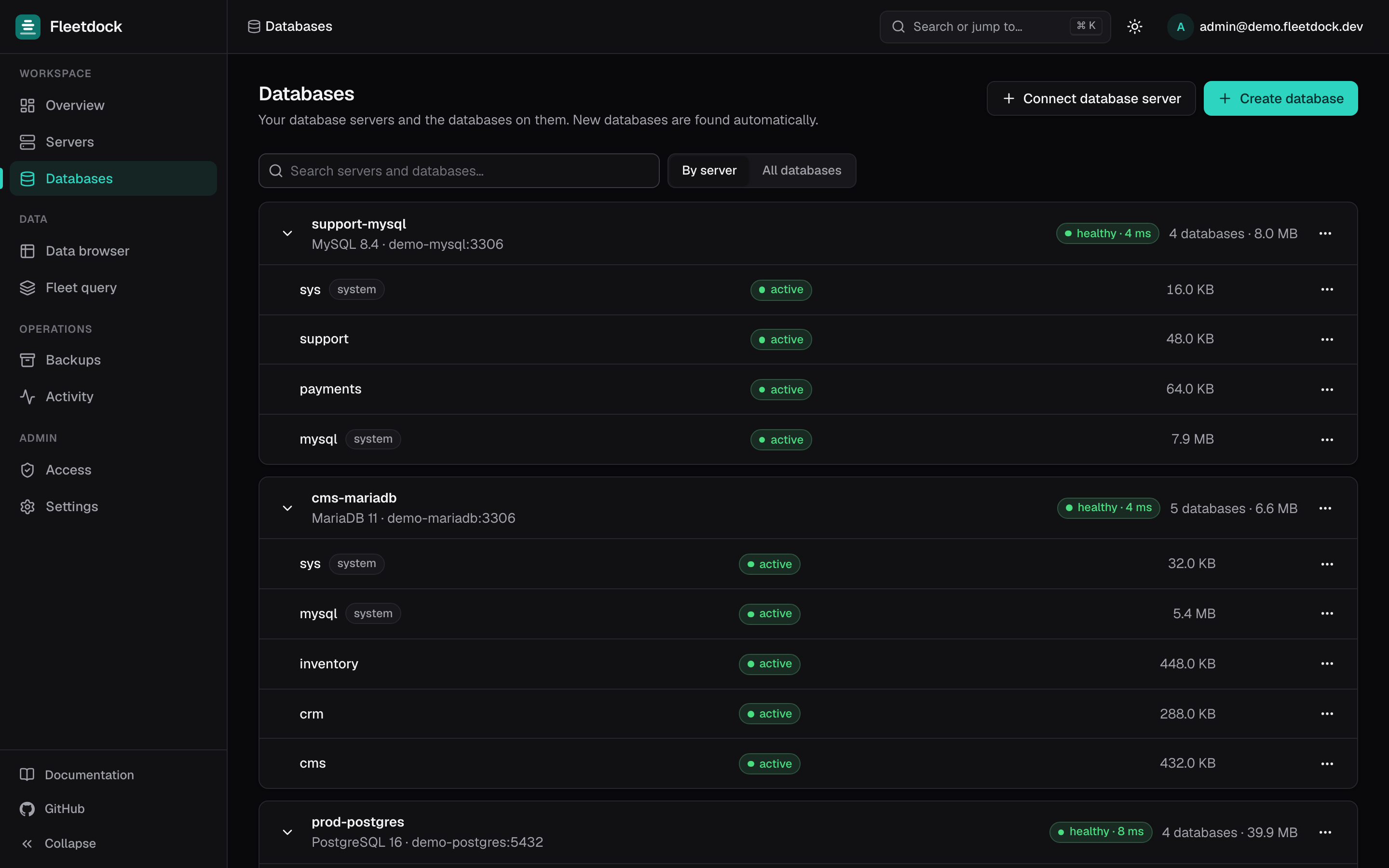
Once your servers are connected, the same dashboard shows:
- Servers: every machine running the agent, with CPU, memory, disk and connection charts fed by a heartbeat every 30 seconds.
- Databases: every database grouped by its database server, with engine, size and status.
- Per database: backups, users and grants (Access), schema history, the data browser and the SQL console.
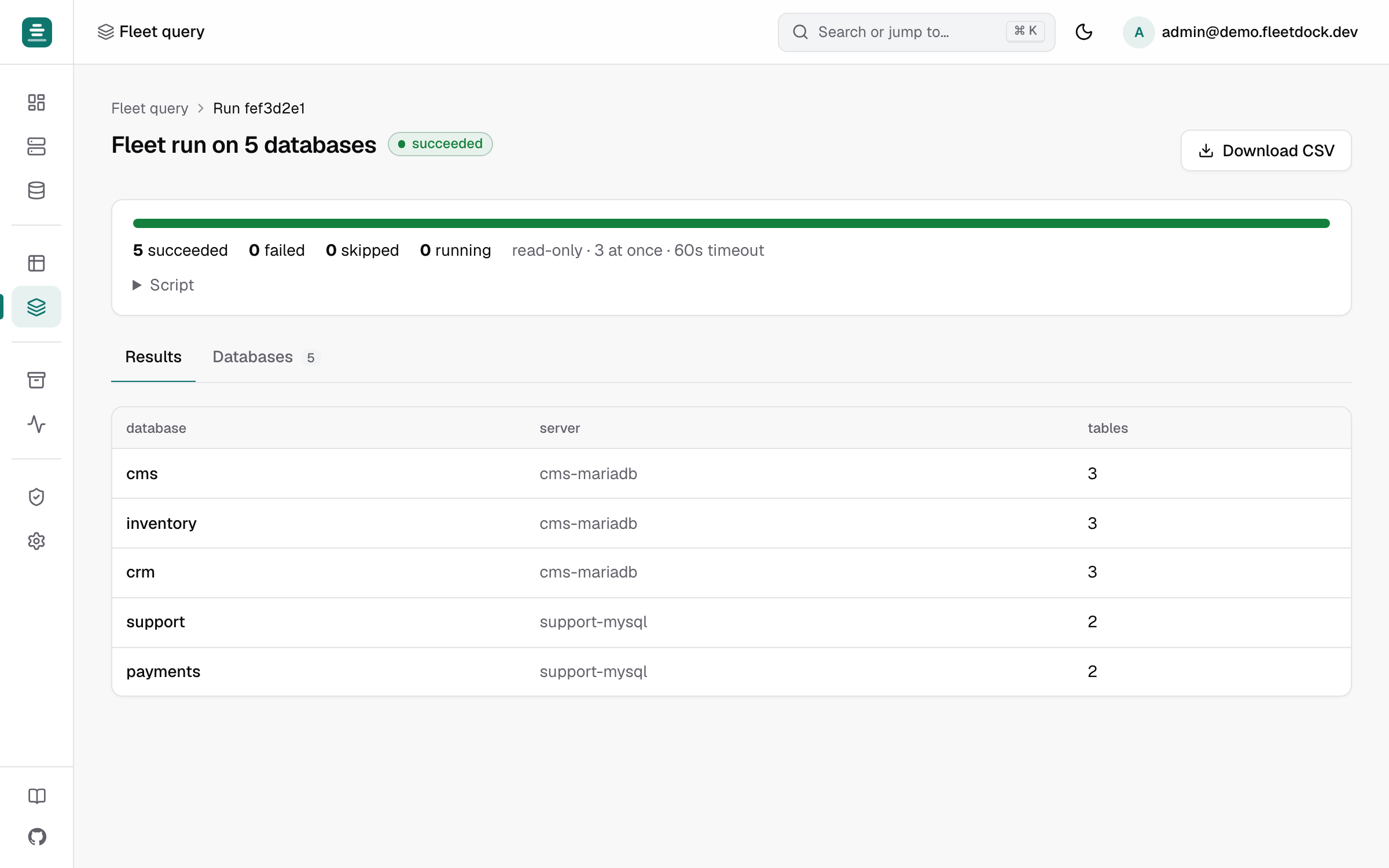
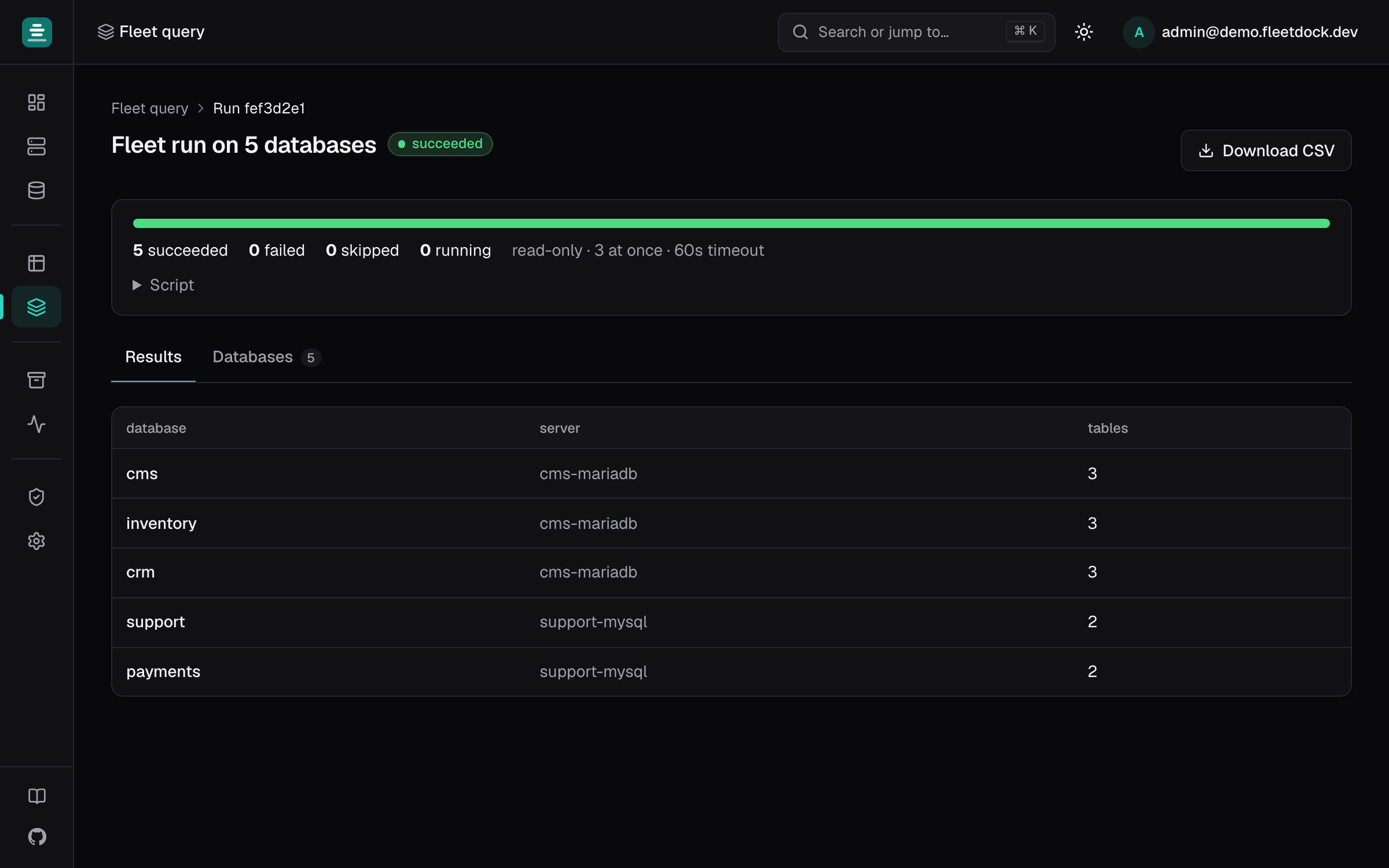
- Fleet query: one SQL script on up to 500 databases, with the results merged into one table.
- Ctrl/⌘ + K finds a table or column in any database you may open.
- Activity → Audit log: who changed what, from which IP address.
Step 1: Install Fleetdock on one host
You need a Linux server with 2 vCPU and 4 GB of RAM to start, and ports 80 and 443 open. A
domain is optional: without one, the installer uses an <ip>.sslip.io name that still gets a
real HTTPS certificate.
curl -sSL https://fleetdock.dev/install.sh | sudo shThe installer asks for a domain and an admin email, installs Docker if it is missing, and
prints the dashboard URL and your password. fleetdock credentials shows them again later.
The full walkthrough is in Getting started.
Step 2: Choose how each server connects
Each MySQL or MariaDB server can be connected in one of two ways. You can mix both in one fleet.
| With the agent | Connected remotely | |
|---|---|---|
| Added from | Servers → Connect server | Databases → Connect database server → Connect to one anywhere |
| Fits | Your own VMs and bare-metal machines | Amazon RDS and other hosted MySQL, or servers you cannot install software on |
| Machine metrics (CPU, memory, disk) | Yes | No |
| Can create new MySQL or MariaDB containers | Yes | No |
| Who runs backups and restores | The agent, on that machine | The Fleetdock control plane |
| Network | The machine connects out to Fleetdock on 443 | Fleetdock connects to the database port |
The data browser and SQL console always connect from Fleetdock straight to the database port, even on a machine with the agent. Keep that port reachable from the Fleetdock host, over a private network where possible. See Networking.
Step 3: Connect the servers
Install the agent on each machine
Open Servers → Connect server. Fleetdock generates a single-use registration token and a
command to paste on the database machine. Put sudo after the pipe:
curl -sSL https://your-control-plane/install.sh | \
  sudo env FLEETDOCK_URL=https://your-control-plane \
           FLEETDOCK_TOKEN=<registration-token> sh
The server appears in Servers within about 30 seconds. On the machine,
systemctl status fleetdock-agent confirms the service is running. Details:
Agent installation.
Add the MySQL or MariaDB server on that machine
Open Databases → Connect database server. Choose Use one on my server for a MySQL or MariaDB that already runs there, and enter its admin login. Choose Create a new one to have Fleetdock launch a new MySQL or MariaDB container with a generated password, a named data volume and a published port (3306 by default). See Database instances.
Connect hosted servers directly
For RDS or any server you can reach but not install on, choose Connect to one anywhere
and enter the host, port and an admin login. A server behind a bastion can be reached
through an SSH tunnel. Do not enter localhost or 127.0.0.1: Fleetdock runs in a
container, so use host.docker.internal for a database on the Fleetdock host itself.
Let discovery fill in the databases
Every minute, Fleetdock checks each database server it has a login for. New databases appear
on their own, marked discovered. A database dropped outside Fleetdock is marked not found
on server after about three minutes, and nothing is deleted. Check now on a database
server's page runs the check immediately.
Step 4: Decide which login people browse data with
Each database server has a Data browsing connects as setting, which decides the login the data browser, SQL console, exports and imports use:
- Admin login (the default): reaches every database, so only users with
instance:writeon that server may browse. - Dedicated login: a login you create on the server; its grants decide what it can do.
- Fleetdock-managed roles: Fleetdock creates a role confined to each database
(
fleetdock_ro_*,fleetdock_rw_*), so someone with access to one database cannot reach the others.
If teammates should see only some databases, use one of the last two, and give people the
viewer or operator role rather than owner. The full model is in Security.
Step 5: Put backups and alerts on every server
Add an S3, Cloudflare R2 or S3-compatible bucket under Backups → Backup storage, then
give each database a schedule with a retention period. Backups use mariadb-dump or
mysqldump, are gzipped and checksummed with SHA-256. The step-by-step setup is in
Scheduled backups to S3 or R2.
Under Settings → Notifications, add an email, Slack or webhook channel. Failed backups and servers that stop heartbeating for two minutes notify you automatically, and alert rules can watch CPU, memory, disk and connections.
Working across all servers at once
With everything connected, a few features replace a loop of SSH sessions.
Fleet query. Pick databases by name pattern, server and engine, and run one script on up to 500 of them, 1 to 16 at a time. This lists the five largest tables in each database, with the database and server in front of every row:
SELECT table_name,
       ROUND((data_length + index_length) / 1024 / 1024) AS size_mb
FROM information_schema.tables
WHERE table_schema = DATABASE()
ORDER BY data_length + index_length DESC
LIMIT 5;
Scripts that write need a typed confirmation, run on the first database alone and stop at the first failure by default. See Fleet query.
Top queries. A database server's Monitoring → Top queries lists its most expensive
statements from performance_schema, which MySQL 8 enables by default. On MariaDB, set
performance_schema=ON and restart.
Index health. Each database's page lists unused and redundant indexes with the
DROP INDEX statement to review. Fleetdock never drops an index itself. See
Performance.
Schema comparison. Compare with… on a database's Schema tab diffs it against another database on the same engine, such as staging against production, and writes the DDL that aligns them. See Schema history.
What Fleetdock does not do
- No replication, high availability or automatic failover. Keep MySQL replication, Galera or your provider's failover for that.
- No point-in-time recovery. Backups are logical dumps, so you can restore to the moment of a backup, not to an arbitrary second between two.
- No configuration tuning or version upgrades. Edit
my.cnfand upgrade MySQL or MariaDB as you do today. - No capacity enforcement. Server charts show headroom, but Fleetdock does not block a new container on a full machine.
Next steps
- Getting started: install and connect your first server.
- Move a database to another server when one machine fills up.
- Database-per-tenant if your servers hold one database per customer.
Frequently asked questions
Do I need to install an agent on every MySQL server?
No. A database server Fleetdock can reach over the network is connected with its host, port and an admin login. Install the agent only on machines where you want Fleetdock to create database containers, report CPU, memory and disk, or run backups on the machine itself.
Can Fleetdock manage Amazon RDS or other hosted MySQL?
Yes. Add it as a database server connected remotely, with its hostname and a login. Machine metrics such as CPU and disk are only available for servers that run the Fleetdock agent.
Does Fleetdock set up MySQL replication or failover?
No. Fleetdock manages, backs up and monitors MySQL and MariaDB servers, but it does not replicate databases or fail over between servers. Keep your existing replication setup for that.
Is Fleetdock free?
Yes. It is open source under the Apache-2.0 license and runs on your own server, so you pay only for that machine.